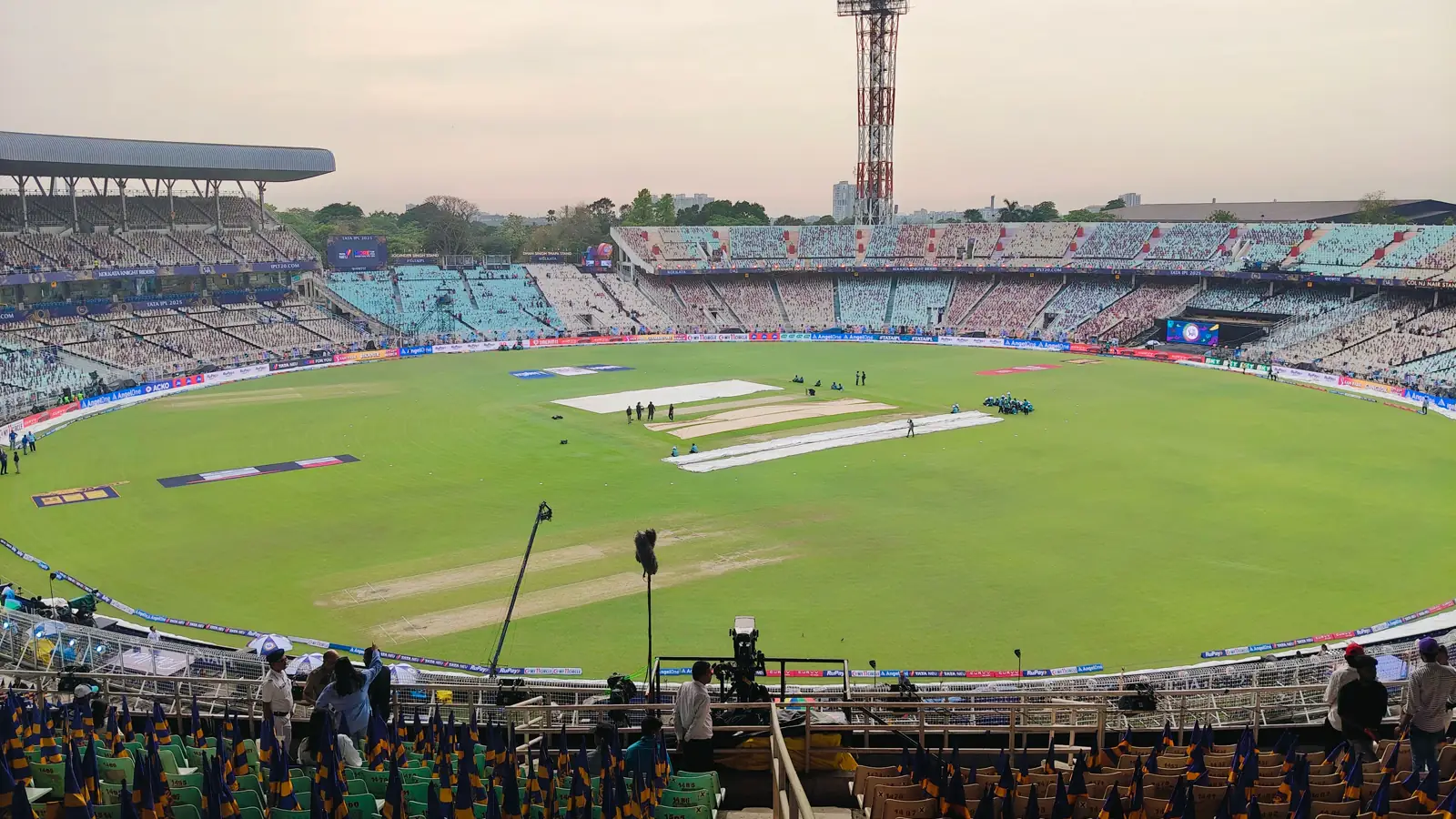
Before a cricket match starts, the useful fields are the competition, venue and scheduled time. During play, attention shifts to the innings, score, wickets and overs. After the result, the final score and completed status should remain stable.
Before the Match
Pre-match information sets the frame for everything that follows. Confirm the competition, teams, venue and published start time before treating a row as the intended match. Squad or category details can be updated before play, so their source time should remain visible.
During Play
Runs, wickets and overs belong to the same innings. Reading one field without the others can produce the wrong picture of play. A current score therefore needs an innings label and refresh time, while a delayed screen should not be described as live merely because it still shows the latest known total.
Run rate is a descriptive calculation from the recorded score and overs. It is not a forecast. Use it only with the innings and refresh context shown on the same screen.
Read the Scorecard Fields Together
- Innings: identifies which side or stage the score belongs to.
- Runs and wickets: form one score line and should share a source time.
- Overs: shows recorded progress through the innings.
- Last checked: tells the reader how current the displayed state is.
The original scorecard above contains dashes and “Source required” labels on purpose. It teaches the layout and does not represent a match.
Runs, Wickets, Overs and Run Rate
Runs are the scoring total for the innings. Wickets record dismissals, while overs show how far the innings has progressed. These fields belong together: a total without wickets can hide the state of the batting side, and an over count without an innings label can be attached to the wrong part of the match.
Run rate describes scoring pace from the recorded runs and overs. It changes as the innings moves and should carry the same refresh time as the score. It does not say what will happen next, settle a result or replace the match rules.
Delays and Revised Targets
| Label | Meaning on an information screen | Reader action |
|---|---|---|
| Delayed | Play or the data feed is not continuing as scheduled | Look for a revised time or reason |
| Revised target | The target has changed under the applicable match conditions | Read the new target with its source and innings |
| Abandoned | The match did not reach a completed result | Do not treat the last score as final |
| Completed | A final result has been recorded | Use the final source and retain later corrections |
Mobile Cricket View
A compact screen should keep the innings, score, wickets, overs and status together. Tournament filters and team names may move into a secondary row, but the fields that define the live state should not disappear behind an icon. Notifications are summaries; reopen the record before relying on a result.
Competition and Format Context
A short-format match and a multi-innings match do not use the same reading rhythm. Keep the competition and format visible near the scorecard so overs, innings and completion labels are not interpreted outside their rules. Team and venue names also need enough space to avoid confusing similarly titled events.
After completion, the final record should keep the result, source and any later correction together. An abandoned match is not a completed match, and the last visible score before abandonment is not automatically a final result.
A revised target should remain attached to the innings and condition that produced it. Without that context, the number can be mistaken for an original target or a final score.
Source and Correction Status
Changing match information needs a dated source. A completed record can still receive a correction, but the correction should identify what changed rather than presenting the new value as though it was always there. Review the wider sports status model or check the source-review record for the evidence rules used here.
Return to the India guide overview for the product map, or use the mobile source checks before trusting an installed route.